



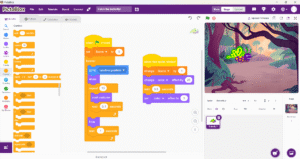
In this introductory semester, students will learn coding logic through game development and Arduino-based projects in a block coding environment. The students will be gradually introduced to various sensors and actuators in various projects.
Sensors/Actuators:
- LEDs
- Servo motor
- DHT 11 (Temperature/Humidity)
- LDR sensor
- DC motor
- L298N Motor Driver
- HC05 Bluetooth module
Software: Pictoblox (Block-Based Coding Platform)
Microcontroller: Arduino UNO
Pre-requisite: None
Course Duration: 36-40 Classes (9-10 Months Approx)
What Will You Learn?
- Students learn basic coding logic through various interesting Arduino projects.
Audience
- Recommended Age: 7+ yrs
Course Content
Introduction to Block-Based Coding
Learners are introduced to block-based coding platform and familierized with various code blocks to build simple animations.
Game Development
Learners develop game modules using scripts, sprites and stage.
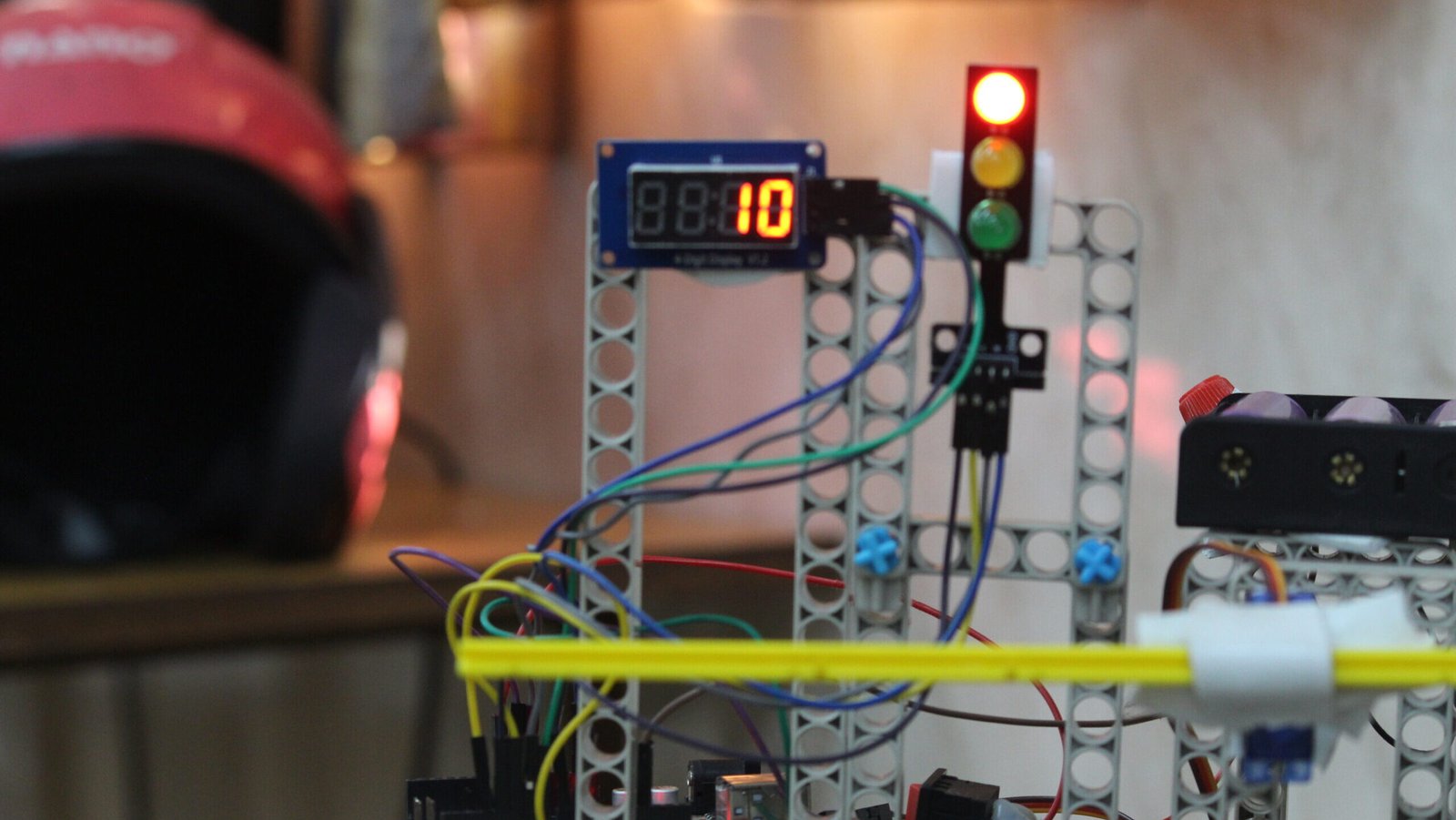
Traffic Light Signal
Learners create a working prototype of a traffic signal light with Arduino and coding—familiarisation with a conditional loop using TM 1637.
-
Introduction
-
Components Required
-
Circuit Connections
-
Code
Toll Gate
Learners build a toll gate using traffic light signal (previous project) and a servo motor.
-
Introduction
-
Components Required
-
Circuit Connections
-
Code
Cube Satellite
Learners will develop and code a working prototype of a CubeSat using Arduino Uno, DHT 11, TM1637 1637 and solar panel.
-
What is a Cube Satellite?
-
What is a Nano Satellite?
-
Components Required
-
Circuit Connections
-
Reading Temperature and Humidity Using the DHT11 Sensor and Serial Monitor
-
Code for reading Temperature and Humidity Using the DHT11 Sensor and Serial Monitor
-
Reading Temperature and Humidity Using the DHT11 Sensor and TM 1637 Display
-
Code for reading Temperature and Humidity Using the DHT11 Sensor and TM 1637 Display
Laser-Based Intrusion Alarm
Learners will familiarize themselves with the Laser and LDR module and use them to develop a door alarm which sounds when someone tries to intrude.
-
Introduction
-
what is a Laser?
-
What is LDR?
-
What is Serial Monitor in Pictoblox?
-
How to connect with the Serial Monitor
-
Components Required
-
Circuit Connections
-
Code with Serial Monitor
-
Code Without Serial Monitor
Smart Street Light
Learners will understand an LDR sensor and its use as a digital as well as an Analog sensor to make a smart street light that switches on/off by sensing the surrounding light.
-
Introduction
-
Components Required
-
Circuit Connections
-
Code (Level 1)
-
Code (Level 2)
Bluetooth Traffic Light
Learners will understand the concept of Bluetooth and wireless communication, and use Bluetooth to control LEDs and a servo motor to build a remote-controlled traffic light system. This project enables learners to understand how a Bluetooth device works.
-
Introduction
-
Bluetooth
-
Dabble App
-
Components Required
-
Circuit Connections
-
Code (Level 1)
-
Code (Level 2)
Bluetooth Car
Learners will familiarize themselves with motors, motor drivers and HC05 Bluetooth. They will unerstand how a motor driver works along with HC05 Bluetooth sensor to control it remotely and build a Bluetooth-controlled car that can be operated using a mobile phone.
-
Introduction
-
Motor Driver
-
Components Required
-
Circuit Connections
-
Motor Control using Bluetooth
-
Code
A course by
Student Ratings & Reviews

No Review Yet
 Lessons: