


Skip to content
Login/Register
Call: +918777810566
Email: info@spaceefic.com
Welcome to SPACE E FICWelcome to SPACE E FIC
  • Home
  • About Us
  • Terms of Use
  • Privacy Policy
  • Contact Us
Welcome to SPACE E FICWelcome to SPACE E FIC
  • Home
  • About Us
  • Terms of Use
  • Privacy Policy
  • Contact Us
Home » Courses » Semester 2: Robotics & Machine Learning (Block Coding)

Semester 2: Robotics & Machine Learning (Block Coding)

  • By Spaceefic
  • (0 Rating)
Breadcrumb Abstract Shape
  • Course Info
  • Instructor
  • Reviews
  • More
    • In this semester, students will work with advanced sensors and will be introduced to the concept of Machine Learning in a block coding environment.

      Sensors:

      1. Infra Red Sensor
      2. Ultrasonic Sensor

      Software: Pictoblox (Block-Based Coding Platform)

      Microcontroller: Arduino UNO

      Pre-requisite: Semester 1

      Course Duration: 36-40 Classes (9-10 Months Approx)

      What Will You Learn?
      • Students understand the basic concept behind Machine Learning and various training models.

      Audience

      • 8+ yrs

      Course Content

      Introduction to IR Sensor
      Learners will learn about IR sensors, their use in everyday appliances and how to calibrate and code them.

      • What is an IR Sensor?
      • What is Infrared?
      • Working Principle

      Smart Counter
      Learners will design a counter that changes according to the input given by two IR Sensors.

      • What is a Smart Counter? How does it work?
      • Components Required
      • Circuit Connections
      • Code (level 1): Using a single IR sensor
      • Code (level 2): Smart Attendance using two IR sensors and TM 1637 display

      Hand Gesture Car
      Learners will develop a robot that follows human gestures using IR sensors.

      • What is a Hand Gesture Car?
      • Components Required
      • Circuit Connections
      • Car direction for each motor rotation
      • Code

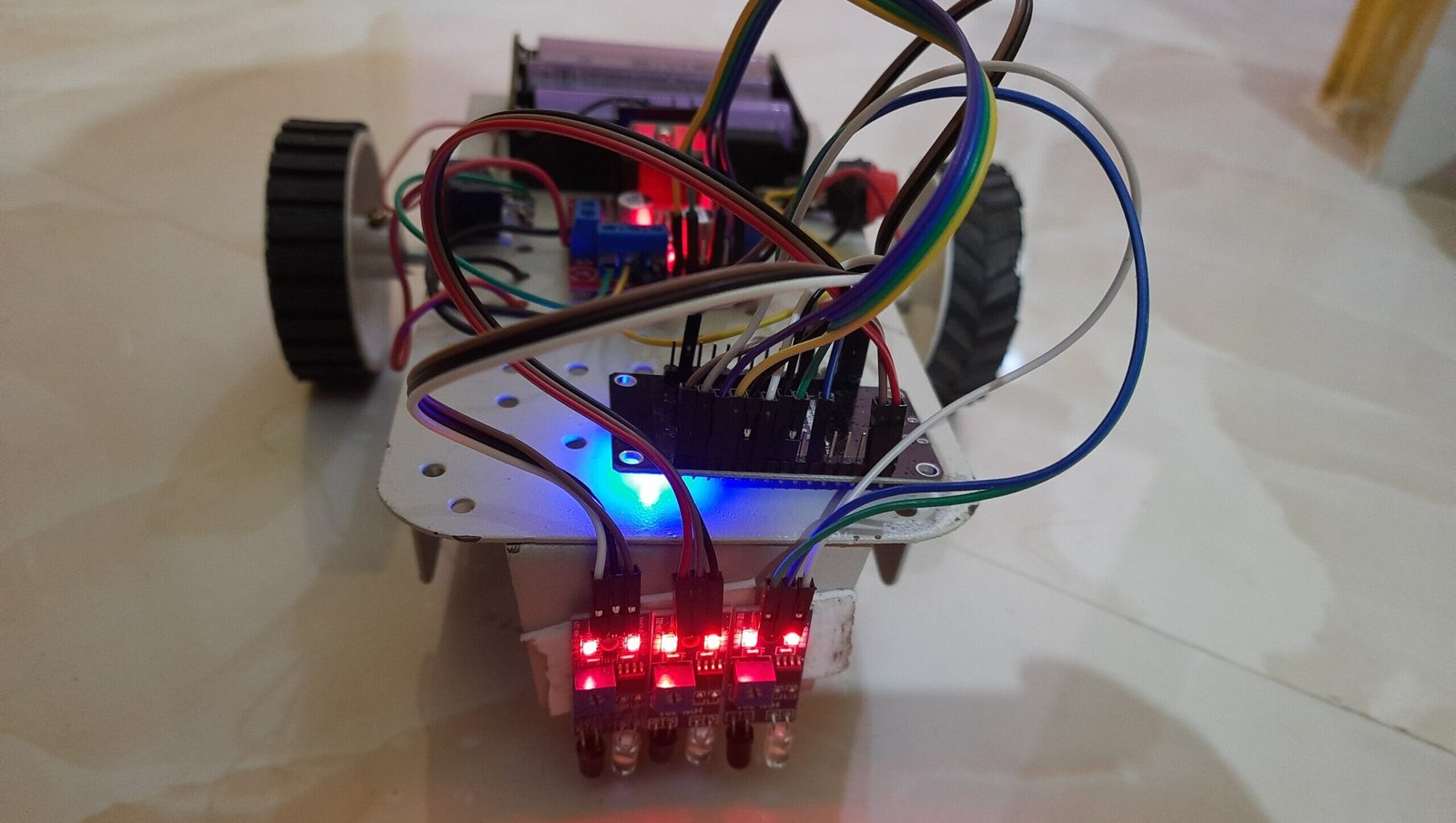
      Line Follower Car
      Learners will build a smart line follower robotto follow a black or a white line.

      • What is Line Following Car?
      • Components Required
      • Circuit Connections
      • IR sensor feedback for each motor
      • Code

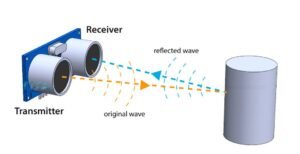
      Introduction to Ultrasonic Sensor
      Learners will learn about ultrasonic sensors and how to measure the distance of an obstacle using them.

      • What is Ultrasonic Sensor
      • Pin Connection of Ultrasonic Sensor
      • Working principle

      Smart Dustbin
      Learners will develop a smart dustbin that senses if somebody stands in front and opens autonomously.

      • What is a Smart Dustbin
      • Components Required
      • Circuit Connection
      • Code

      Height Measuring Device
      Learners will develop a device that automatically detects the height of a person standing underneath it.

      • What is a Height measurement device?
      • Working Principle
      • Components Required
      • Circuit Connection
      • Code

      Introduction to Machine Learning Environment
      Learners will learn the use of Machine Learning to train algorithms.

      • What is Machine Learning?
      • What is Teachable Machines
      • How to create a Machine Learning Model
      • What is Artificial Intelligence?
      • Use of Artificial Intelligence
      • Types of Machine Learning
      • Key concepts in Machine Learning
      • What is Deep Learning and its key features?
      • What is Pattern Recognition?
      • Real-time examples of Pattern Recognition

      Rock, Paper, Scissors Game
      Learners will use teachable machines to train their computer for playing Rock, Paper, Scissors Game.

      • Steps to Build the Game
      • Create the Game in Pictoblox
      • PictoBlox code using blocks

      Hand Pose Classifier
      Learners will leverage the power of Artificial Intelligence to detect different hand postures.

      • Create a New Project
      • Collecting Data and Uploading
      • Training the model
      • Exporting and Utilizing the model in PictoBlox
      • Testing and Refinement

      Object Classifier
      Learners will use ML to train their computers to identify and detect unique objects.

      • Step 1: Open PictoBlox
      • Step 2: Load the Object Detection Extension
      • Step 3: Set up Camera input
      • Step 4: Use Object Detection Blocks
      • Step 5: Run the Script
      • Applications of Object Detection in PictoBlox

      A course by

      S
      Spaceefic

      Student Ratings & Reviews

      No Review Yet
      No Review Yet

      Course Includes:

      • Price:Free
      • Instructor:Spaceefic
      • Duration: 80 hours
      • Lessons:54
      • Students:0
      • Level:Beginner
      Wishlist
      Hi, Welcome back!
      Forgot Password?
      Don't have an account?  Register Now

      Share On:

      © Space E Fic | Website Developed By Adivorous
      Welcome to SPACE E FICWelcome to SPACE E FIC
      Sign inSign up

      Sign in

      Don’t have an account? Sign up
      Lost your password?

      Sign up

      Already have an account? Sign in